Wi-Fi interference is one of the most overlooked reasons for a spotty internet connection. Even if your internet plan is fast and your router is working fine, everyday household electronics can quietly disrupt your wireless signal. Here’s how to identify and reduce that interference.
What Causes Wi-Fi Interference?
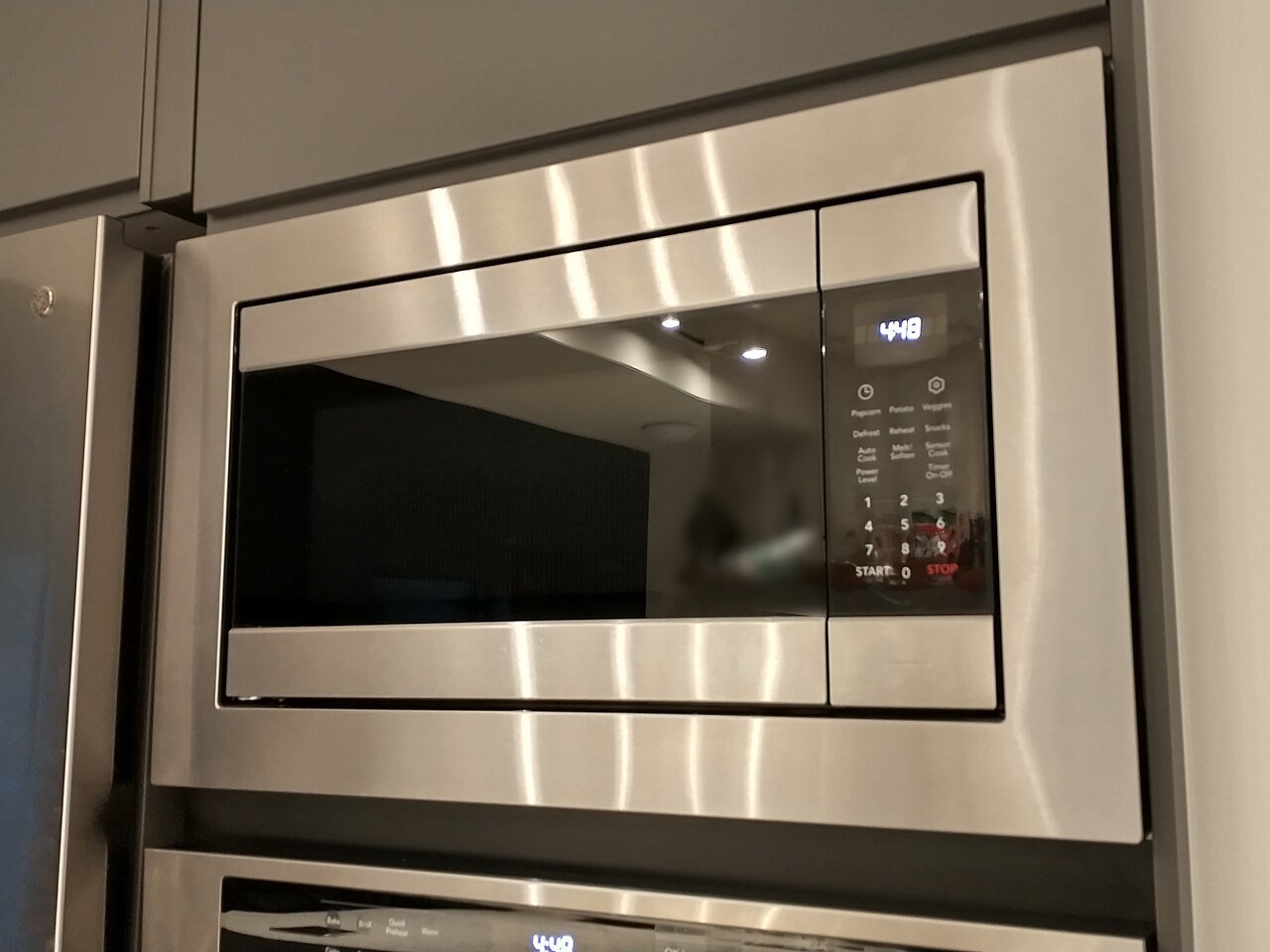
Your router sends signals over specific radio frequencies, mainly 2.4GHz and 5GHz. Unfortunately, the 2.4GHz band is shared by many common household devices, including microwaves, cordless phones, baby monitors, Bluetooth speakers, and even some wireless security cameras. When these devices operate at the same time as your Wi-Fi, they can cause noticeable slowdowns or dropped connections.
1. Keep Your Router Away From Electronics
Avoid placing your router near microwaves, cordless phone base stations, or large speakers. Even a few feet of distance can significantly reduce interference, since radio waves lose strength quickly as they pass through or near metal and electronics.
2. Switch to the 5GHz Band
The 5GHz band is far less crowded than 2.4GHz because fewer household gadgets use it. If your router supports dual-band Wi-Fi, connect devices that are close to the router (like your TV or desktop computer) to the 5GHz network for a cleaner, faster connection.
3. Change Your Wi-Fi Channel
Within each band, Wi-Fi operates across several channels. If your neighbors’ routers are using the same channel as yours, you’ll experience interference similar to two radio stations overlapping. Log into your router’s settings and try switching to a less congested channel, or set it to “auto” so it picks the best one automatically.
4. Watch Out for Bluetooth Devices
Bluetooth headphones, speakers, keyboards, and mice also operate in the 2.4GHz range. If you notice interference spikes when using these devices, moving your router to the 5GHz band (or relocating it away from your Bluetooth gadgets) can help.
5. Reduce Physical Obstructions
While not technically “interference” from other devices, thick walls, mirrors, and metal furniture can compound the problem by weakening your signal before it even reaches the interference zone. Try to maintain a relatively clear line of sight between your router and the devices you use most.
6. Consider a Wired Connection for Stationary Devices
For devices that don’t need to move, like gaming consoles, smart TVs, or desktop computers, running an ethernet cable eliminates wireless interference entirely and often provides a more stable connection than Wi-Fi ever could.
7. Upgrade to a Newer Router Standard
Newer router standards, such as Wi-Fi 6, include improved technology for handling interference and managing multiple devices more efficiently. If your router is several years old, upgrading could noticeably improve your day-to-day experience, especially in a busy household with many connected devices.
By identifying what’s competing with your Wi-Fi signal and making a few small adjustments, you can often eliminate most interference-related slowdowns without spending a dime on new equipment.