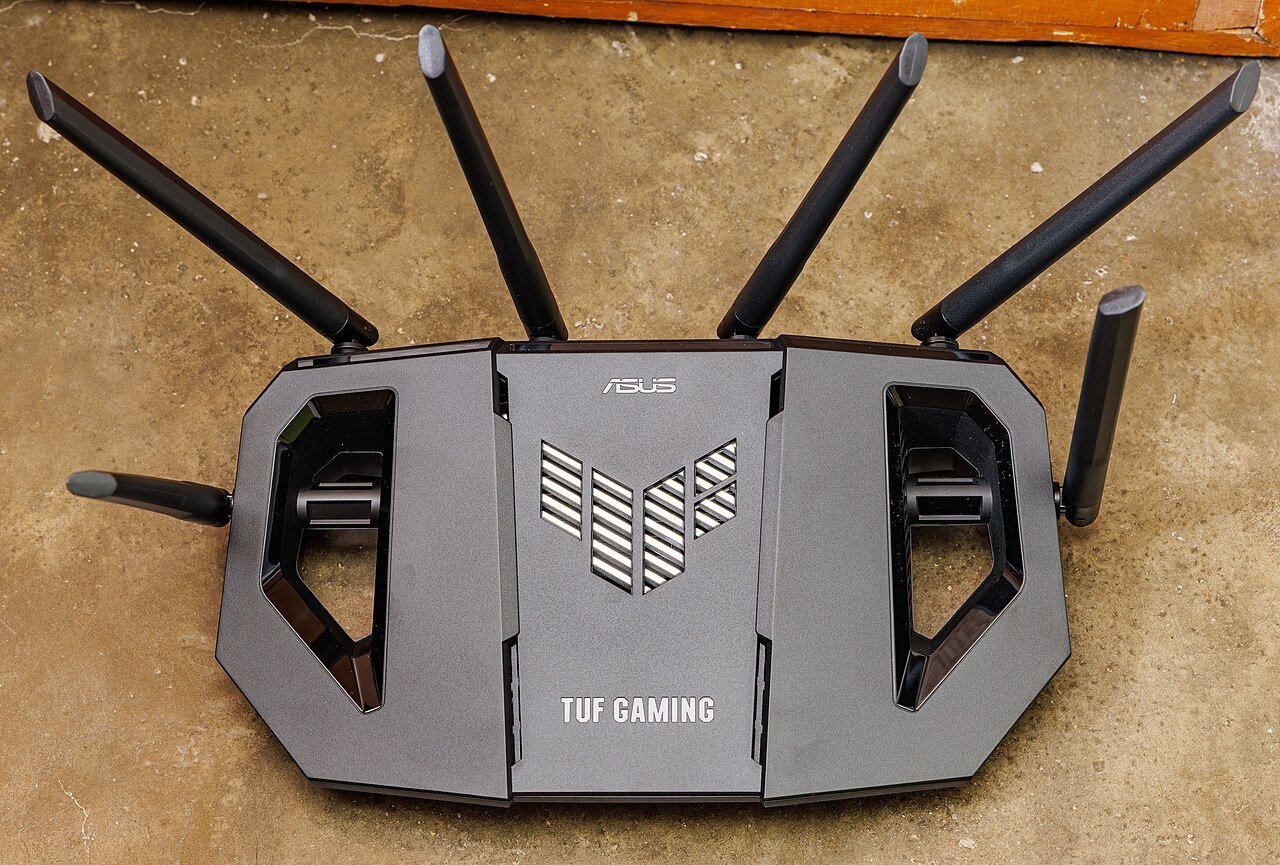
If you live in a large home, you already know the frustration of a single router leaving half the house in a dead zone. The living room streams fine, but the upstairs bedroom buffers constantly and the garage office barely connects at all. Choosing the right router for a big house is not just about buying the most expensive box on the shelf. It is about matching the right technology to your square footage, wall layout, and number of connected devices.
Why Standard Routers Struggle in Big Homes
A typical single-unit router is designed to cover around 1,500 to 2,000 square feet under ideal conditions. Real homes are not ideal conditions. Brick walls, metal ductwork, multiple floors, and even large mirrors can all weaken a wireless signal significantly. In a home over 2,500 square feet, a single router often cannot physically reach every room with a strong, stable signal, no matter how powerful its antennas are.
What to Look For When Shopping
Coverage Technology
For large homes, a mesh Wi-Fi system is almost always a better choice than a single traditional router. A mesh system uses two or more units placed throughout the house that work together as one seamless network, so your phone or laptop automatically connects to whichever unit has the strongest signal as you move around. Traditional routers paired with extenders can work too, but they tend to create separate networks that require manual switching, which is far less convenient.
Number of Bands
Look for a dual-band or tri-band system. Tri-band routers add a dedicated band just for communication between mesh units, which keeps your actual internet speed from dropping as data hops from one unit to another across the house.
Wired Backhaul Option
If your home already has ethernet wiring, choose a mesh system that supports wired backhaul. This means the mesh units talk to each other over a physical cable instead of wirelessly, which dramatically improves speed and reliability in large homes.
Device Capacity
Large households often have dozens of connected devices: phones, laptops, smart TVs, thermostats, cameras, and more. Make sure the system you choose is rated to handle a high number of simultaneous connections without slowing down.
How Many Units Do You Actually Need?
As a general rule of thumb, plan for one mesh unit per 1,000 to 1,500 square feet of single-floor coverage, and add an extra unit for each additional floor. A two-story, 3,000 square foot home will typically need a three-unit mesh kit for even coverage. It is almost always better to buy a slightly larger kit than you think you need rather than trying to stretch a two-unit system across too much space.
Price Expectations
Budget mesh systems for large homes typically start in the range of a mid-tier smartphone accessory and scale up from there depending on speed tier and the number of included units. Spending more generally buys you faster wireless standards, wired backhaul support, and better device management features, rather than dramatically more raw coverage area.
Final Thoughts
For most large homes, a multi-unit mesh system with wired backhaul support will outperform a single high-powered router every time. Before buying, walk through your home and note any particularly weak spots, count your floors, and estimate your total square footage. That information will help you pick a system sized correctly for your space instead of guessing and ending up with lingering dead zones.