Working from home places very different demands on your router compared to casual browsing. Video calls, cloud file syncing, VPN connections, and simultaneous household streaming can all compete for bandwidth at once, and a dropped connection during an important meeting is far more costly than a buffering video. Here is what actually matters when choosing a router built for a reliable home office.
Prioritize Connection Stability Over Top Speed
For remote work, consistent, stable performance matters more than chasing the highest advertised speed number. Video conferencing platforms need a steady, low-latency connection far more than they need enormous bandwidth. A router that maintains a rock-solid connection at moderate speeds will serve you better than one with high peak speeds but occasional drops.
Key Features to Look For
Quality of Service (QoS) Controls
QoS lets you prioritize your work device’s traffic over other household activity, such as a family member streaming video or gaming in another room. This is one of the single most useful features for anyone sharing a home network while working.
Dedicated Ethernet Connection
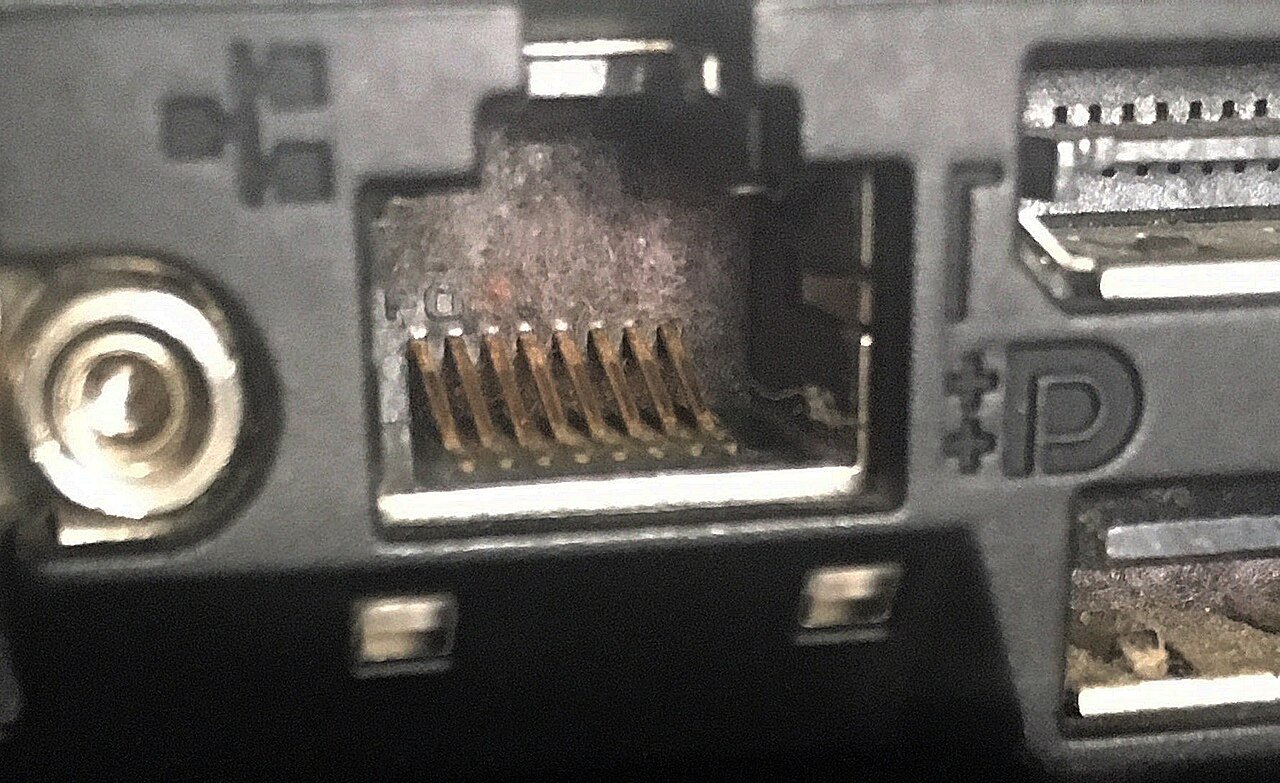
Whenever possible, connect your work computer directly to the router with an ethernet cable rather than relying on Wi-Fi. A wired connection eliminates wireless interference entirely and provides the most stable possible connection for video calls and large file uploads.
VPN Support
Many remote jobs require connecting through a company VPN. Look for a router that handles VPN traffic efficiently without a significant speed penalty, particularly if multiple household members use VPNs simultaneously.
Guest Network Isolation
A separate guest network keeps visitors, smart home devices, and less secure gadgets off your primary network, reducing both security risk and unnecessary competition for bandwidth on your main connection.
Coverage Considerations
If your home office is in a basement, garage, or far corner of the house, standard router placement near your internet entry point may leave you with a weak signal exactly where you need it most. In this situation, either run an ethernet cable to your workspace, or invest in a mesh system that can place a dedicated access point near your desk.
Redundancy for Critical Work
For those whose income depends heavily on uninterrupted connectivity, consider a router or modem setup that supports a backup connection method, such as switching to a mobile hotspot automatically if your primary internet drops. This is a more advanced setup, but worth considering for high-stakes remote roles.
Final Thoughts
The best router for working from home is not necessarily the fastest one on paper, but the one that delivers the most consistent, low-latency connection exactly where your desk is located. Prioritize QoS controls, a strong ethernet option, and reliable placement or mesh coverage over chasing maximum advertised speed.