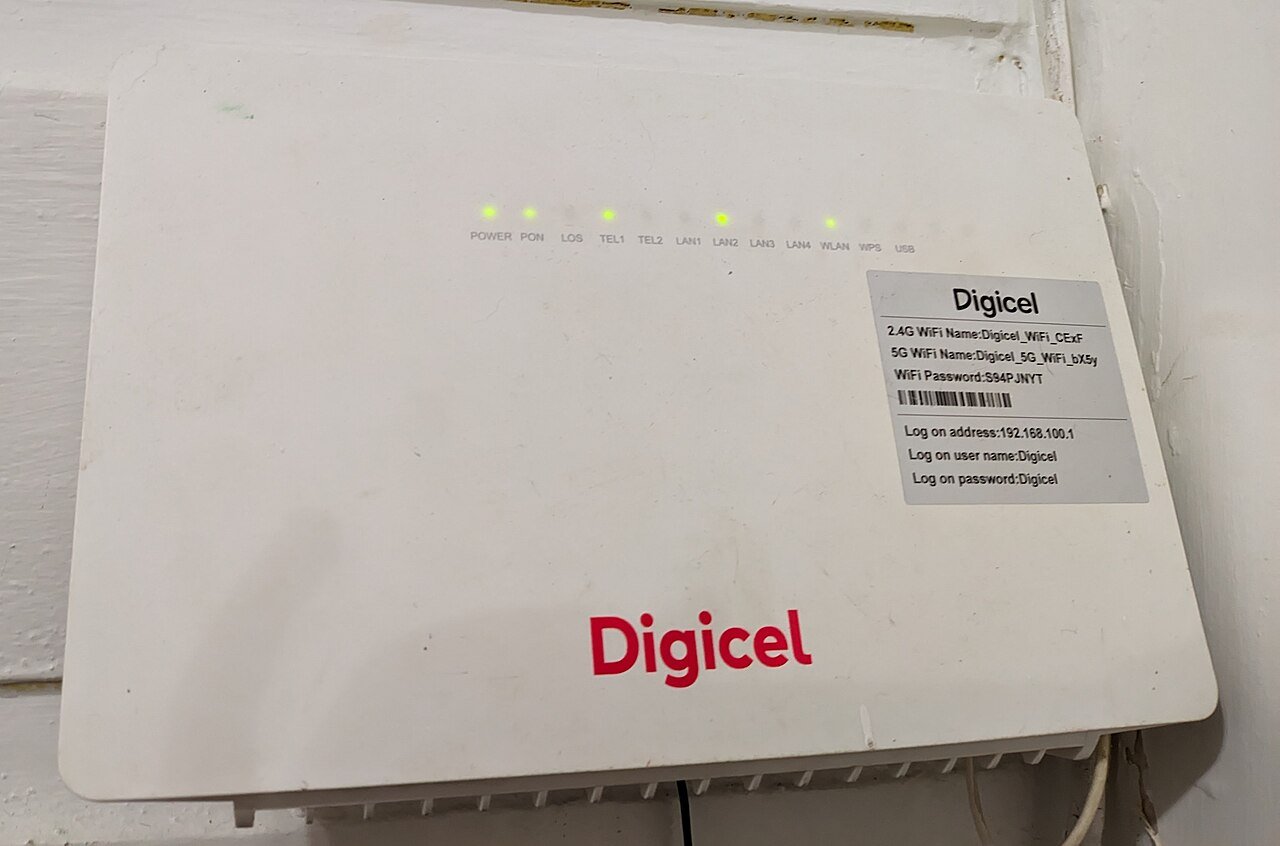
Where you place your router has a bigger effect on your Wi-Fi performance than almost any setting you could change. A great router in the wrong spot can perform worse than a basic router placed well. Here is how to find the best possible location for your specific home.
Why Placement Matters So Much
Wi-Fi signals travel outward from your router in all directions, similar to ripples in water. Anything that blocks or weakens that signal, such as walls, furniture, or large appliances, reduces how far and how strongly it reaches. Poor placement is one of the most common, and most fixable, causes of weak Wi-Fi throughout a home.
Rule 1: Go Central, Not Cornered
Many people place their router wherever the internet cable happens to enter the home, which is often a corner or an edge of the house. Unfortunately, that means roughly half of the signal is being broadcast outside your home where it does nobody any good. Whenever possible, position your router as close to the center of your living space as you can, even if that means running a longer cable from the wall jack.
Rule 2: Elevate It
Wi-Fi signals spread out and downward more effectively than they travel upward through floors. Placing your router on a shelf, table, or mounted on a wall, ideally at a height of around five to seven feet, generally gives better coverage than leaving it on the floor or tucked inside a low cabinet.
Rule 3: Keep It Out in the Open
Enclosed spaces like cabinets, closets, or behind a TV not only block signal but also trap heat, which can affect performance and lifespan. An open shelf or an open area on a piece of furniture is almost always a better choice than a hidden spot, even if it is not the most visually appealing option.
Rule 4: Avoid Major Signal Blockers
- Thick walls, especially concrete, brick, or walls with metal insulation
- Large mirrors and metal surfaces
- Microwaves, which operate on a frequency close to Wi-Fi and can cause interference when in use
- Fish tanks, due to the large volume of water, which absorbs Wi-Fi signals
- Metal filing cabinets or large appliances like refrigerators
Rule 5: Point Antennas Strategically
If your router has external antennas, position them perpendicular to each other rather than all pointing the same direction. For example, one antenna straight up and another angled horizontally can provide better overall coverage than having both antennas pointing in the exact same direction.
Rule 6: Think About Where You Actually Use the Internet
Consider the rooms where you spend the most time online, whether that is a home office, a living room for streaming, or a bedroom. Position the router to favor those spaces rather than optimizing purely for the geometric center of the house if your usage is concentrated in one area.
What to Do in a Multi-Story Home
In homes with more than one floor, placing the router on a central floor, rather than the top or bottom level, generally provides the most even coverage throughout the house. If you still experience dead zones on far floors, a mesh Wi-Fi system or a Wi-Fi extender can help fill in the gaps without having to rewire your entire home.
Testing Your Placement
After moving your router, test the Wi-Fi signal strength in different rooms using your phone or a free Wi-Fi analyzer app. If certain areas are still weak, try adjusting the placement incrementally, moving it a few feet at a time, rather than assuming you need additional equipment right away.
Good placement costs nothing and often delivers a more noticeable improvement than upgrading to a more expensive router. It is one of the first things worth trying before spending money on new equipment.