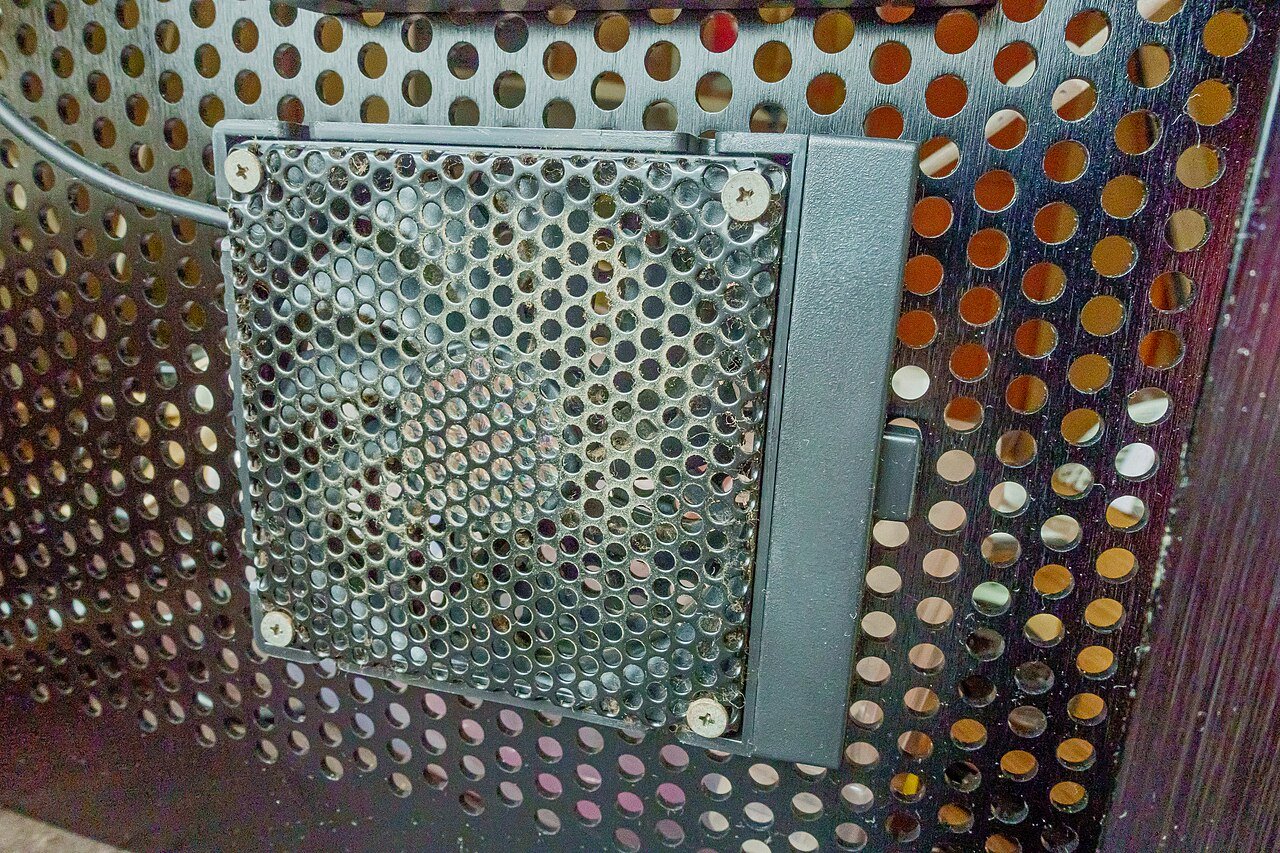
Routers are usually tucked away on a shelf, behind a TV stand, or in a corner where they are easy to forget about. That also makes them one of the dustiest pieces of electronics in the house. Dust buildup is not just a cosmetic issue. It can trap heat inside the device, cause overheating, and shorten the router’s lifespan. Fortunately, cleaning a router safely is simple once you know the right approach.
Why Dust Is a Real Problem for Routers
Routers generate heat while they operate, and most models rely on small vents or fans to let that heat escape. When dust builds up over vents, it acts like a blanket, trapping heat inside the plastic casing. Over months or years, this can cause the internal components to run hotter than they are designed to, which can lead to random restarts, slower performance, and a shorter overall lifespan for the device.
What You Will Need
- A microfiber cloth or soft, lint-free cloth
- A can of compressed air (available at most electronics or office supply stores)
- A soft-bristled brush, such as a clean paintbrush or makeup brush
- Isopropyl alcohol (optional, for stubborn grime on the casing)
Step-by-Step: How to Clean Your Router
1. Turn off and unplug the router. Always power down the device before cleaning to avoid any risk of electrical issues and to let any fans stop spinning.
2. Wipe the outer casing. Use a dry microfiber cloth to wipe down the top, sides, and bottom of the router. If there is sticky grime, lightly dampen the cloth with a small amount of isopropyl alcohol, never with water.
3. Use compressed air on the vents. Hold the can upright and spray short bursts into the vents and any visible openings. Short bursts help avoid pushing moisture into the device, which can happen if you tip the can or spray too long in one spot.
4. Brush away loose dust. A soft brush can help dislodge dust that is stuck in corners or around antenna bases, which you can then wipe away or blow out with the compressed air.
5. Clean the antennas separately. If your router has external antennas, wipe them down individually with a dry cloth, paying attention to the base where dust tends to collect.
6. Let everything dry completely before plugging back in. Even though you should not have used any liquid directly inside the router, it is good practice to wait a few minutes before powering it back on.
What to Avoid
- Never use water or any liquid cleaner directly on or inside the router
- Avoid vacuuming the router directly, as the suction can create static electricity that may damage internal components
- Do not open the router casing to clean the inside unless you know what you are doing, as this can void the warranty
- Avoid cleaning while the router is powered on
How Often Should You Clean It?
For most households, cleaning the router every two to three months is enough to prevent significant dust buildup. If your home has pets, or if the router sits on the floor or in a dusty area, cleaning it monthly is a better habit.
Preventing Dust Buildup in the First Place
Placing your router on an open shelf rather than inside an enclosed cabinet helps airflow and reduces how quickly dust accumulates. Keeping it off the floor, away from pet hair, and out of direct sunlight also helps extend its life and keep it running cooler overall.
A few minutes of regular cleaning can meaningfully extend the life of your router and help prevent the kind of overheating that leads to random disconnects or a device that needs to be replaced sooner than expected.