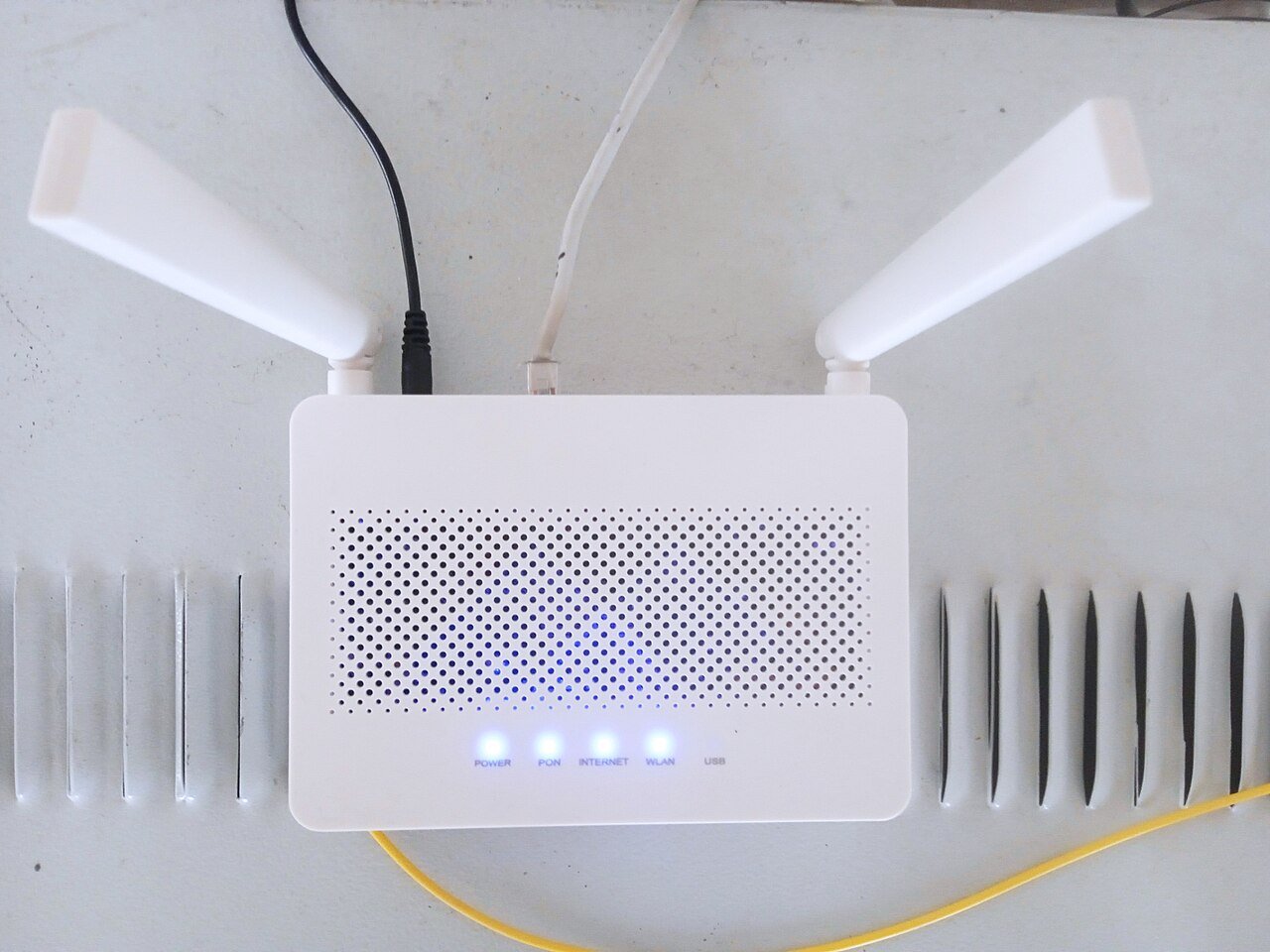
If your home Wi-Fi feels sluggish, the good news is that you usually don’t need to buy new equipment to fix it. Most speed problems come down to router placement, outdated settings, or too many devices fighting for the same bandwidth. Here are practical tricks that actually make a difference, starting with the easiest ones.
1. Move Your Router to a Central, Open Spot
Wi-Fi signals spread out from your router like ripples in a pond, so the best location is as close to the center of your home as possible. Avoid tucking it inside a cabinet, behind the TV, or in a corner of the basement. Walls, metal appliances, and mirrors all weaken the signal, so an open shelf in a central room will almost always outperform a hidden spot.
2. Raise It Off the Floor
Routers broadcast signal outward and slightly downward, so placing yours on a shelf or table (rather than on the floor) helps the signal reach more of your home, including upstairs rooms if you live in a multi-story house.
3. Restart Your Router Regularly
Routers are small computers, and like any computer, they can slow down the longer they run without a reboot. Unplug your router for 30 seconds once every week or two, or set it to restart automatically overnight using the scheduling feature in its admin settings if available.
4. Switch to the 5GHz Band When Possible
Most modern routers broadcast on two bands: 2.4GHz and 5GHz. The 2.4GHz band reaches farther but is slower and more crowded, since many household gadgets (microwaves, baby monitors, Bluetooth devices) also use it. The 5GHz band is faster and less congested, so connect your laptop, phone, and streaming devices to it whenever they’re close enough to your router to get a strong signal.
5. Update Your Router’s Firmware
Manufacturers regularly release firmware updates that fix bugs and improve performance. Log into your router’s admin page (usually by typing its IP address, like 192.168.1.1, into a browser) and look for a firmware update option under system or administration settings.
6. Limit Background Bandwidth Hogs
Large downloads, automatic cloud backups, and video streaming on idle devices can quietly eat up your bandwidth. Pause unnecessary downloads and close streaming tabs you’re not actually watching to free up speed for the devices you’re actively using.
7. Change Your Wi-Fi Channel
If you live in an apartment building or a dense neighborhood, your neighbors’ routers may be broadcasting on the same channel as yours, causing interference. Most routers let you manually select a less crowded channel in the wireless settings, which can noticeably reduce lag.
8. Secure Your Network
An unsecured or weakly secured Wi-Fi network can let neighbors or passersby piggyback on your connection without you realizing it, quietly draining your speed. Make sure your network uses WPA2 or WPA3 encryption and a strong, unique password.
When These Tricks Aren’t Enough
If you’ve tried all of the above and speeds are still disappointing, the issue might be your internet plan itself, an aging router that can’t keep up with modern demands, or a home that’s simply too large for a single router to cover well. In those cases, upgrading your plan or adding a mesh system to extend coverage may be the next logical step.