You do not need to spend a fortune to get reliable home Wi-Fi. While premium routers grab most of the marketing attention, there are plenty of budget-friendly options that deliver solid, dependable performance for typical household needs. The key is knowing which corners manufacturers cut to hit a lower price point, and which of those cuts actually matter for your situation.
What You Can Safely Skip on a Budget
Extreme Top-End Speeds
Most home internet plans max out well below the theoretical top speeds advertised on router boxes. Unless you have a very high-speed fiber plan and multiple 4K streams running simultaneously, a budget router’s real-world speed ceiling is rarely the bottleneck in daily use.
Tri-Band Support
Tri-band routers add a third wireless band mainly to help mesh systems communicate between units. If you only need a single router for a small to medium home, dual-band is perfectly sufficient and keeps costs down.
Elaborate App Ecosystems
Premium brands often bundle their routers with extensive companion apps offering advanced parental controls, security subscriptions, and detailed analytics. Nice to have, but not essential if you just want stable internet.
What You Should Not Skip, Even on a Budget
Wi-Fi 6 Support
Even budget routers now commonly include Wi-Fi 6, which significantly improves performance in homes with many connected devices. Avoid older Wi-Fi 5 models unless the price difference is substantial, since device efficiency gains alone make Wi-Fi 6 worthwhile.
Enough Ethernet Ports
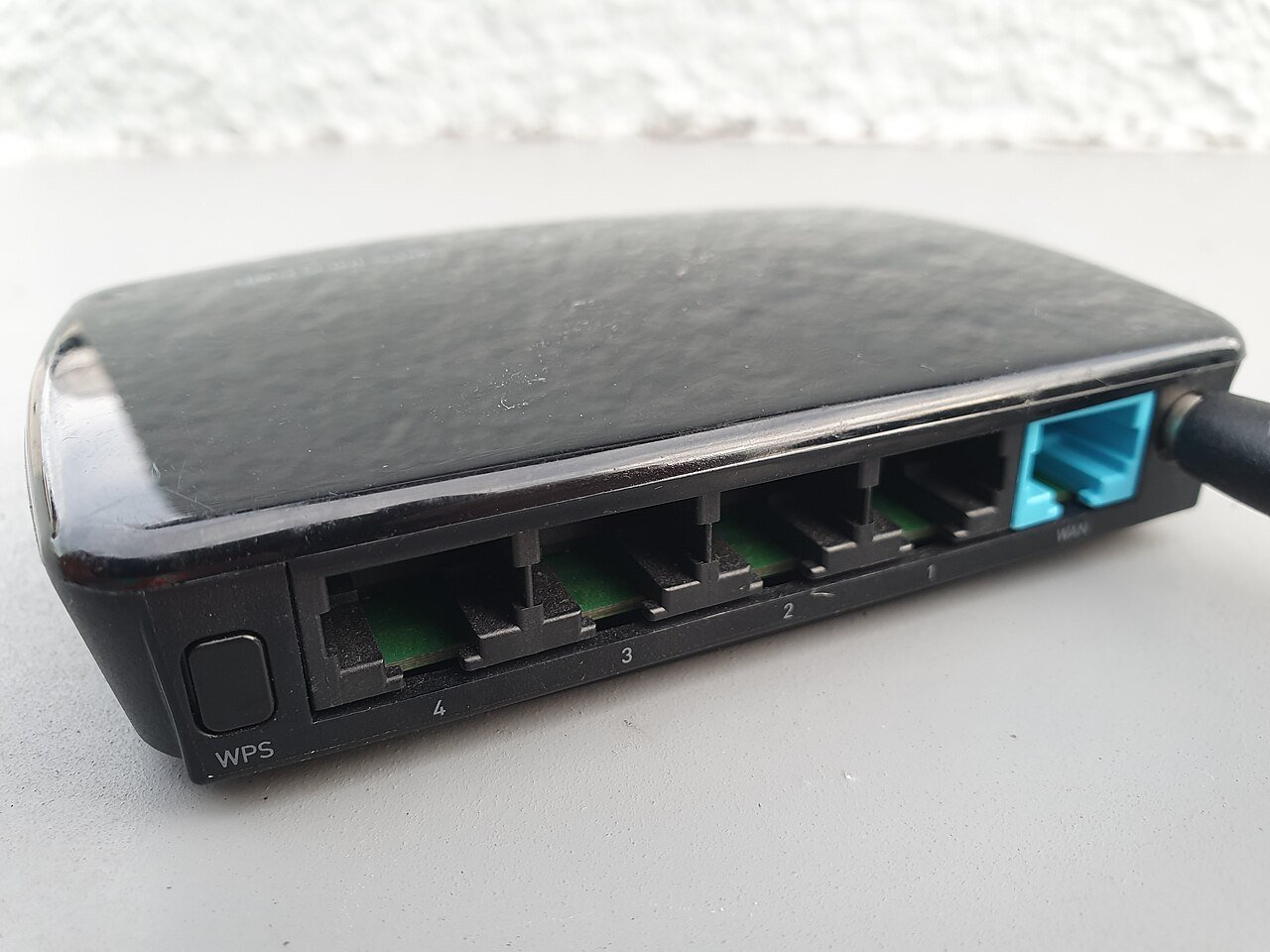
Check that the router has at least four ethernet ports if you plan to wire any devices directly, such as a smart TV, gaming console, or desktop computer.
Basic Security Features
Make sure the router supports WPA3 encryption, the current security standard. Budget does not need to mean insecure.
How to Shop Smart
Look for routers from established networking brands rather than unfamiliar off-brand options, since firmware updates and long-term security patches matter for a device that stays connected to the internet around the clock. Reading recent customer reviews focused specifically on reliability and connection drops, rather than just initial setup experience, will tell you more than the spec sheet alone.
When to Spend a Little More
If you have a larger home, more than fifteen connected devices, or do serious gaming and streaming simultaneously across multiple rooms, stepping up from the absolute cheapest option to a mid-range model often pays off in noticeably fewer dropped connections and congestion issues.
Final Thoughts
A well-chosen budget router with Wi-Fi 6 support, adequate ethernet ports, and solid security will comfortably handle the needs of most households. Save your money by skipping marketing-driven extras like extreme top speeds and elaborate app ecosystems that most people never fully use anyway.