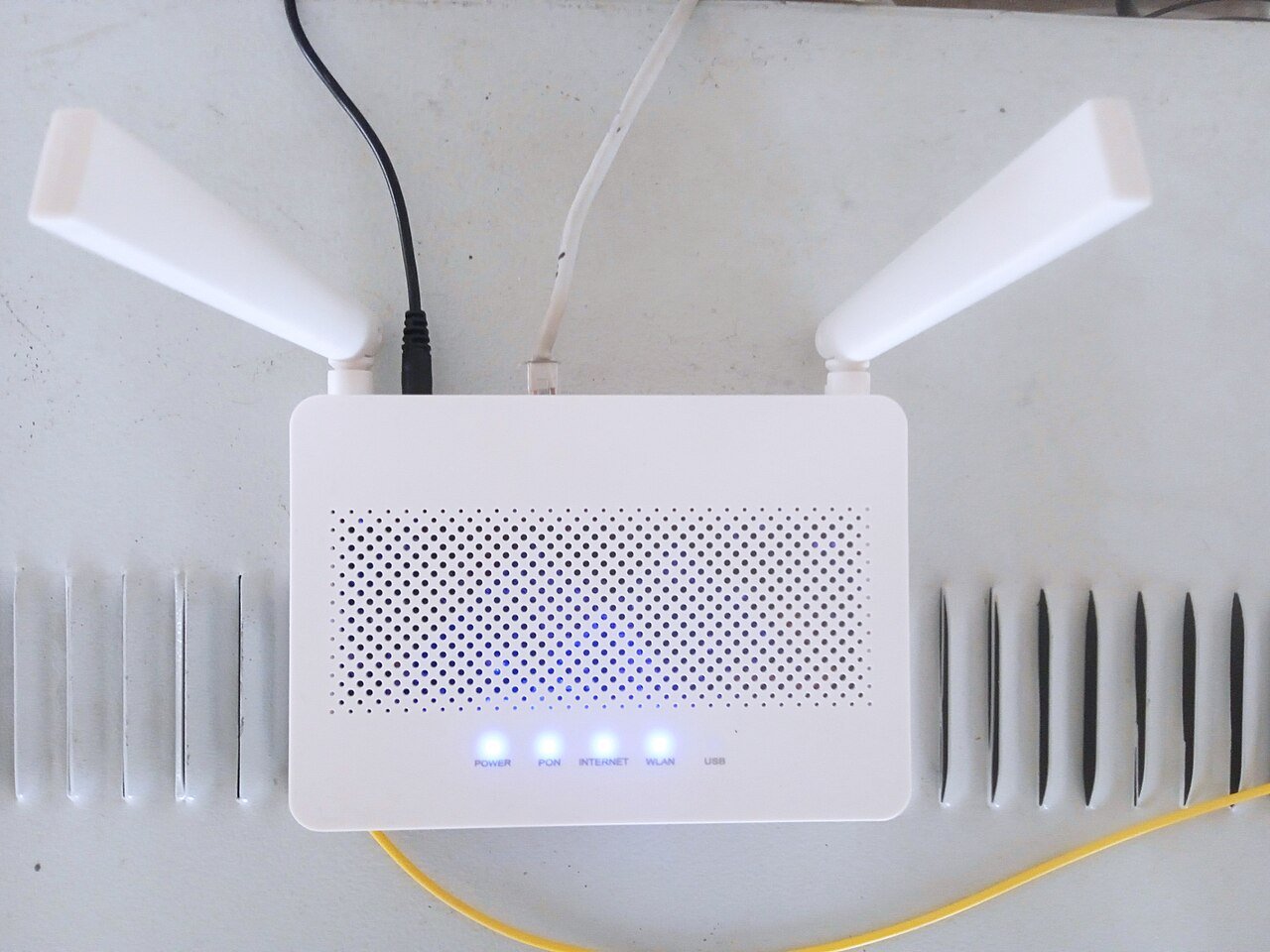
Online gaming is far less forgiving of a bad network connection than browsing or streaming. A dropped frame during a movie is barely noticeable, but a single lag spike during a competitive match can cost you the game. If you are shopping for a router specifically to improve your gaming experience, here is what actually matters and what you can safely ignore.
Latency Matters More Than Raw Speed
Many shoppers focus entirely on maximum download speed, but for gaming, latency, often called ping, is usually the more important number. Latency measures how quickly small packets of data travel between your device and the game server. A router with excellent processing power and modern Wi-Fi standards will generally produce lower, more consistent latency than an older or underpowered model, even if their advertised top speeds look similar on paper.
Features Worth Prioritizing
Quality of Service (QoS)
QoS lets the router intelligently prioritize gaming traffic over less time-sensitive activities like downloads or video streaming happening elsewhere in the house. Look for a router with gaming-specific QoS settings, as these are usually tuned to reduce lag spikes automatically.
Wired Ethernet Ports
No matter how good a router’s Wi-Fi is, a wired ethernet connection will almost always provide lower and more stable latency than wireless. If you game on a desktop or console, prioritize a router with enough ethernet ports, and consider running a cable to your gaming setup even if Wi-Fi reaches it.
Processor and Memory
Routers with more capable internal processors handle multiple simultaneous connections more smoothly, which matters a lot in households with several people gaming, streaming, or working at the same time.
Modern Wi-Fi Standards
If you do need to game wirelessly, newer wireless standards offer improved handling of multiple devices and generally lower latency under load compared to older generations of Wi-Fi technology.
Features You Can Mostly Ignore
Flashy marketing terms like extreme top-end speed numbers rarely translate into a noticeably better gaming experience, since most home internet plans cannot even reach those theoretical maximums. Similarly, RGB lighting and gamer-branded aesthetics have zero impact on actual network performance, so do not let design alone influence your decision.
Router Placement for Gaming
Even the best gaming router will underperform if placed inside a cabinet or far from your gaming setup. Keep the router elevated, away from thick walls and metal objects, and as close to a direct line of sight to your gaming area as practical.
Final Thoughts
For serious gamers, the ideal setup combines a router with strong QoS controls and ample ethernet ports, paired with a wired connection whenever possible. Prioritize consistent low latency and smart traffic management over flashy top-speed numbers, and your online matches will feel noticeably smoother.